
Chrome
PreProx Chrome Extension
Manage manual proxy profiles and supported PreProx proxy access from the Chrome toolbar.
View Chrome extension
Choose the official MacOS Proxy Manager, Chrome extension, Firefox add-on, or Android Proxy VPN Manager. Each product page includes current requirements, installation steps, and a verified download destination.
Compare macOS, browser, and Android options, then open the dedicated product page for compatibility details and installation guidance.
Manage manual proxy profiles and supported PreProx proxy access from the Chrome toolbar.
View Chrome extension
Save proxy profiles, access supported PreProx products, and control Firefox connections.
View Firefox add-on
Sync supported residential proxy access and manage the selected Android connection.
View Proxy VPN Manager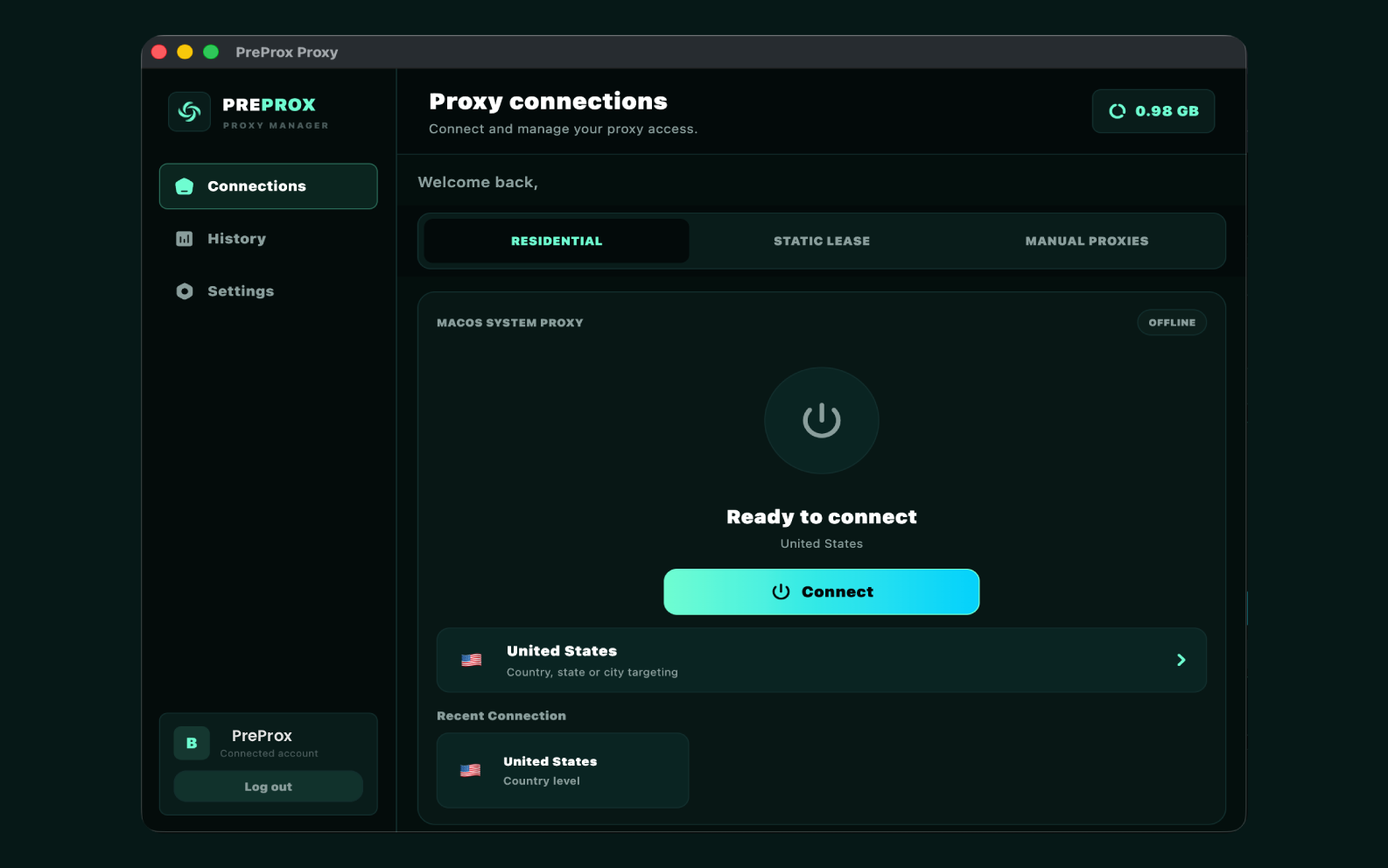
Manage residential, static lease, and manual proxy connections from a focused Mac desktop app.
View macOS managerChoose by device and connection scope. Browser tools manage traffic inside their browser, the macOS manager applies supported system proxy settings, and Proxy VPN Manager is designed for Android.
| Product | Platform | Best for | Proxy setup | Account | Connection scope |
|---|---|---|---|---|---|
| Chrome Extension | Chrome desktop | Fast profile switching | Manual or PreProx sync | Optional for manual profiles | Chrome browser |
| Firefox Add-on | Firefox 121+ | Firefox proxy control | Manual or PreProx sync | Optional for manual profiles | Firefox browser |
| Proxy VPN Manager | Android | Mobile connection management | Supported PreProx access | Required | Selected Android connection |
| MacOS Proxy Manager | macOS desktop | System proxy management | Residential, static, or manual | Required for sync; optional for manual | Supported macOS services |
Each download has a focused role, so you can manage a proxy without changing the connection settings for unrelated apps.
Save separate proxy profiles and switch the active route from the Chrome or Firefox toolbar.
Use the Mac manager when supported desktop apps and browsers should follow one selected system proxy route.
Sign in on supported tools to access compatible PreProx proxy products without retyping every detail.
Use Proxy VPN Manager when the proxy needs to be configured from a compatible Android device.
Install only from the verified destination linked by PreProx, then confirm the selected proxy before using it.
Select macOS, Chrome, Firefox, or Android based on where the proxy connection should run.
Use the product page to open the verified browser listing, download the Mac DMG, or download the Android APK.
Add a manual profile or sign in to sync supported PreProx access, then confirm the active route.
PreProx product pages link to the current browser store listing, macOS DMG, or Android download maintained for that product. Review requirements and permissions before installing.
Clear answers about choosing, installing, and using PreProx connection tools.
Choose the MacOS Proxy Manager for desktop system proxy control, the Chrome extension for Google Chrome, the Firefox add-on for Mozilla Firefox, or Proxy VPN Manager for the supported Android connection workflow.
A PreProx account is optional when creating compatible manual proxy profiles. Sign-in is required to synchronize supported proxy access associated with a PreProx account.
No. These downloads manage connections. Proxy data or lease access is purchased separately, or you can configure a compatible manual endpoint that you are authorized to use where the product supports it.
The Chrome product page links to the verified Chrome Web Store listing, the Firefox page links to Mozilla Add-ons, and the Android APK is delivered through the PreProx download route. Review the destination before installing.
No. The Chrome and Firefox products manage proxy settings for their respective browsers. The Android Proxy VPN Manager has a separate mobile connection workflow described on its dedicated product page.